LEGO Smart Play keeps the screen out of play, with upkeep for adults
Smart Play puts reactions inside the build. Its everyday appeal depends on how easily children can use it and adults can maintain it.
A child can pick up a Smart Play build and get a response without holding a phone beside it. That interaction is the product's most interesting design choice. The movement happens in the same object that makes the sound, so attention can stay on the model.
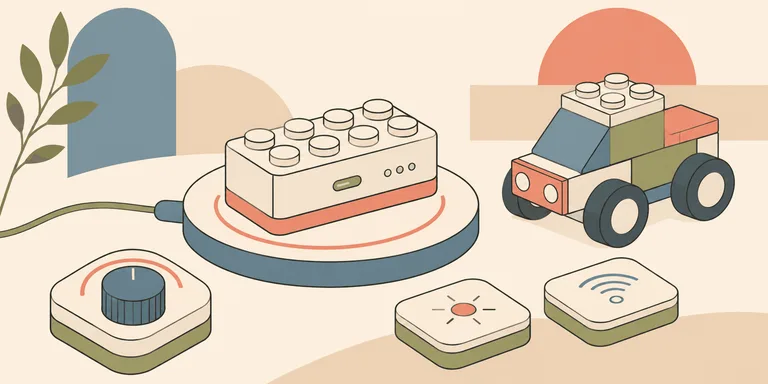
LEGO's Smart Play system is now supported by published setup instructions. The getting-started guide explains a 2x4 Smart Brick that reacts to movement and reads Smart Tags. The tags determine the object's behavior. A wireless charger supplies power, and the brick can be woken by shaking it. These are documented features, beyond the speculation that surrounded the January 2026 announcement.
The companion Smart Assist app handles adult maintenance, including volume control and software updates. Core play does not require the app. That distinction is useful when deciding whether the system fits a household: a screen can remain part of ownership even when it stays outside the child's play session.
Put the reaction where the action happens
Suppose a child tilts a vehicle they have built. A reaction from the build can reinforce the movement without sending the child to a separate menu. The cause and the response occupy the same space. A second screen would require an extra glance and some explanation of how its controls relate to the object.
LEGO's account of the design process says the team considered camera-based reactions during development. That approach would have required a smart device. The company chose to keep interaction within the physical system instead. This explains a design decision; it does not establish an educational benefit or a reduction in a particular child's screen use.
The distinction affects what to look for in a demonstration. A flashy sound can attract attention for a minute. Longer play depends on whether the child can work out what caused it and use that relationship in a new situation. If changing the build still leaves room for a different story, the electronics can become part of the construction activity.
Feedback can also get in the way. A response that happens too often may interrupt the story. A reaction whose trigger is hard to understand can leave someone repeatedly shaking a model to make it work. These are questions to test during ordinary use. An announcement video gives little information about how a toy behaves after the first surprise has passed.
Ownership has a separate routine
An electronic brick introduces a preparation step. Before a child expects a model to respond, someone needs to know whether it has charge. LEGO's guide describes a charger indication for battery level, with a more precise percentage available in Smart Assist. Returning the brick to its charger after play becomes part of the household routine.
That routine changes the buying question. A household that already keeps rechargeable toys ready may find it familiar. A gift that needs a specific charging accessory can be awkward when it moves between homes. The purchaser should check the contents of the exact set so the recipient has what is needed to start. Compatibility with ordinary bricks does not mean that every compatible set includes the electronic parts.
Software maintenance deserves its own moment. An adult can handle an update before the next play session, then return the toy to its normal use. If maintenance repeatedly interrupts the child at the moment they want to build, the separation between play and administration has failed in practice. The app's existence alone cannot tell us how often that will happen.
There is also a difference between a feature present in the hardware and one currently active. LEGO's microphone support page says the built-in microphone is deactivated. Activation for a future experience would require an update and permission through Smart Assist. A general sensor description should therefore not be read as proof that the microphone is listening during current play.
For an owner, the useful follow-up is specific: check what an update enables before consenting to it. Future capability should remain a future condition until that update is offered. This keeps an ordinary product decision separate from assumptions about what an electronic toy might eventually do.
Judge the second session
A useful trial would begin with the build ready to use. Let the child discover a reaction, then watch what they try next without supplying a script. If every next step requires an adult to explain the electronics, the interaction may be too obscure for that child. If the child changes the build and keeps inventing situations, the system has left room for their own decisions.
A second session answers a different question. Can the family find the necessary parts? Is the charge routine easy to remember? Can the toy return to use without repeating the whole setup? Those small frictions determine how often a product leaves its box.
Before buying another compatible set, establish whether the first electronic brick gets used after that initial session. The next purchase can then follow the child's actual play, with the required charger and maintenance routine already understood.