Fix the article card your readers see before they click
Trace the shared URL and preview image, test the receiving service, and keep article metadata aligned with the public page.
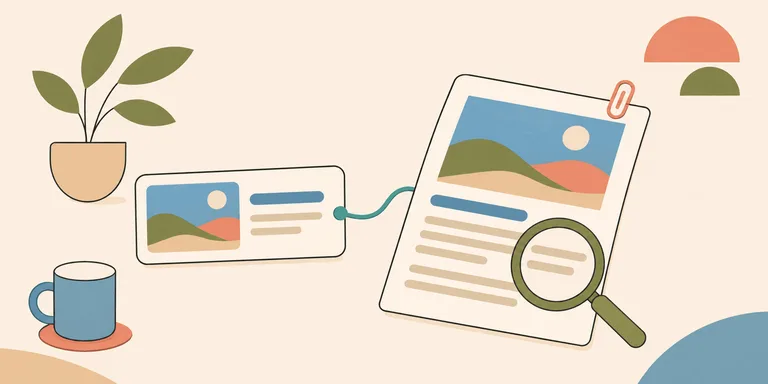
A colleague shares your article in a chat, and the preview shows the site logo with an unhelpful description. The article may be perfectly readable after a click. The immediate problem is the information a preview service receives when it fetches that URL.
That is a concrete machine-access task worth fixing. It gives the person deciding whether to open the link a better description of the destination. Claims that a well-formed preview will automatically produce search citations or new customers need separate evidence. Start with the representation you can inspect.
Open the exact shared URL
Use the address that appeared in the conversation, including its path. Check where redirects send it and whether the final page is publicly accessible. A preview service may arrive without the logged-in state available in your own browser. Inspect that signed-out path before editing the image or headline.
Look at the HTML returned for the public page. Find the metadata for that individual article. A shared site-wide title can make several different links look identical in a conversation. Give each page a description that names the question it answers and matches the content a visitor will find.
The Open Graph protocol defines metadata for representing a page as an object, including its title and representative image. Its URL property provides a permanent identity in that system. Keep these properties aligned with the final destination that you intend people to share.
Inspect the image as a separate resource
Copy the image URL from the page metadata and request it directly. Confirm that it returns the intended image publicly. A page can be accessible while its preview image requires authentication or points to a deleted upload. Check the response for the image itself before blaming the chat application.
Review what the image communicates at a reduced size. A cover dominated by tiny lettering may lose its meaning in a preview. Choose a composition whose main object remains recognisable when displayed in a small card. Describe the image through the metadata fields the receiving service supports where those fields apply.
Keep old image references in mind when replacing a cover. If the URL changes, the deployed article needs the new reference. If the same URL returns changed content, a downstream service may still have an earlier cached copy. Record which resource changed so that the next check tests the current state.
Test the consumer's actual behaviour
Slack documents classic link unfurling as fetching a shared link and creating a preview. Its app-based unfurling is a separate integration path with its own events and permissions. Identify which route applies before treating a custom app's response as ordinary metadata parsing.
A preview observed in one service establishes that service's behaviour for the tested link and time. Another service may select a different image or keep a different cache. Retest in the places where your readers actually share the material. Save an example of the resulting card alongside the URL and the date.
For a broken preview, compare what changed between a working URL and the affected one. Check whether both return article-specific metadata in their initial HTML. Inspect the image responses. A small controlled comparison gives you a narrower defect to investigate than changing every social tag at once.
Keep the preview promise accurate
The description should explain what the linked page helps a reader do. For an article about a database timeout, name the operation being investigated and the scope of the explanation. A claim of a universal fix creates a mismatch if the article covers one deployment configuration.
Make sure the opening paragraphs fulfil that description. Someone arriving from a short card needs enough context to identify the problem. Include any condition that changes the article's applicability near the relevant advice. A useful summary can be concise while still preserving the boundary that prevents a reader from applying it incorrectly.
Search snippets have a different selection process. Google says it primarily creates snippets from page content and can use the meta description when appropriate. Its snippet guidance also notes that different queries can produce different snippets. Updating an Open Graph description therefore leaves a separate search-result behaviour to observe.
If a title changes, test a fresh share of the same public URL after the deployment. Compare the card with the current metadata and note any older cached representation. This gives the investigation a specific mismatch to pursue. Preserve the stable article address while using the receiving service's documented refresh route where one is available. A new random URL would introduce another publication to maintain.
Maintain the card when the article changes
Include metadata in the article's update checklist. A revised conclusion may need a revised description. A product cover should still represent the version discussed in the text. Treat the preview as part of the publication that a reader sees before reaching the page.
Keep the public URL stable when the subject stays the same. If a move is necessary, check the old address through its redirect to the final article. Verify the final metadata after deployment. A local correction becomes useful to the reader once the public route returns it.
Inspect a new page's public response with its referenced image. Then observe the resulting preview in the intended service. Retain the outcome so that a later complaint has a known working state for comparison. This is a small maintenance task with an observable result: a shared link that describes its destination accurately.